Christmas 2012 will soon be History. This was the slogan of Aalborg City Archives’* Christmas project last year using social media as: Instagram, Facebook, and Twitter. The City Archives have celebrated Christmas through calendars with historical films and photos on Facebook, website and Flickr the last couple of years. This year, we added an accession of Christmas photos through social media: Why?
The Christmas Market in Aalborg (photo Anders_Hammer)
First because the City Archives lack modern Christmas photographs in the holding. We hold many photographs from the 1900s but lack contemporary documentation of Christmas. At the same time Christmas is a good opportunity because everybody in Denmark connects something with the season.
Secondly because the archives wanted to test a new accession method and user involvement to use in future projects in 2013, # juleniaalborg is a preliminary project.
3rd because we wanted to test whether people wanted to join and if they did, who would?
4th because from a historical point of view it is interesting, which motives people associate with #Christmasinaalborg 2012
The end of the year calls and we’ll be having a break here at Archives Outside… but, never fear! It does not mean an end to all your fun. We wish you all the best and thank you for all the brilliant knowledge, facts and fun you’ve contributed in the last year.
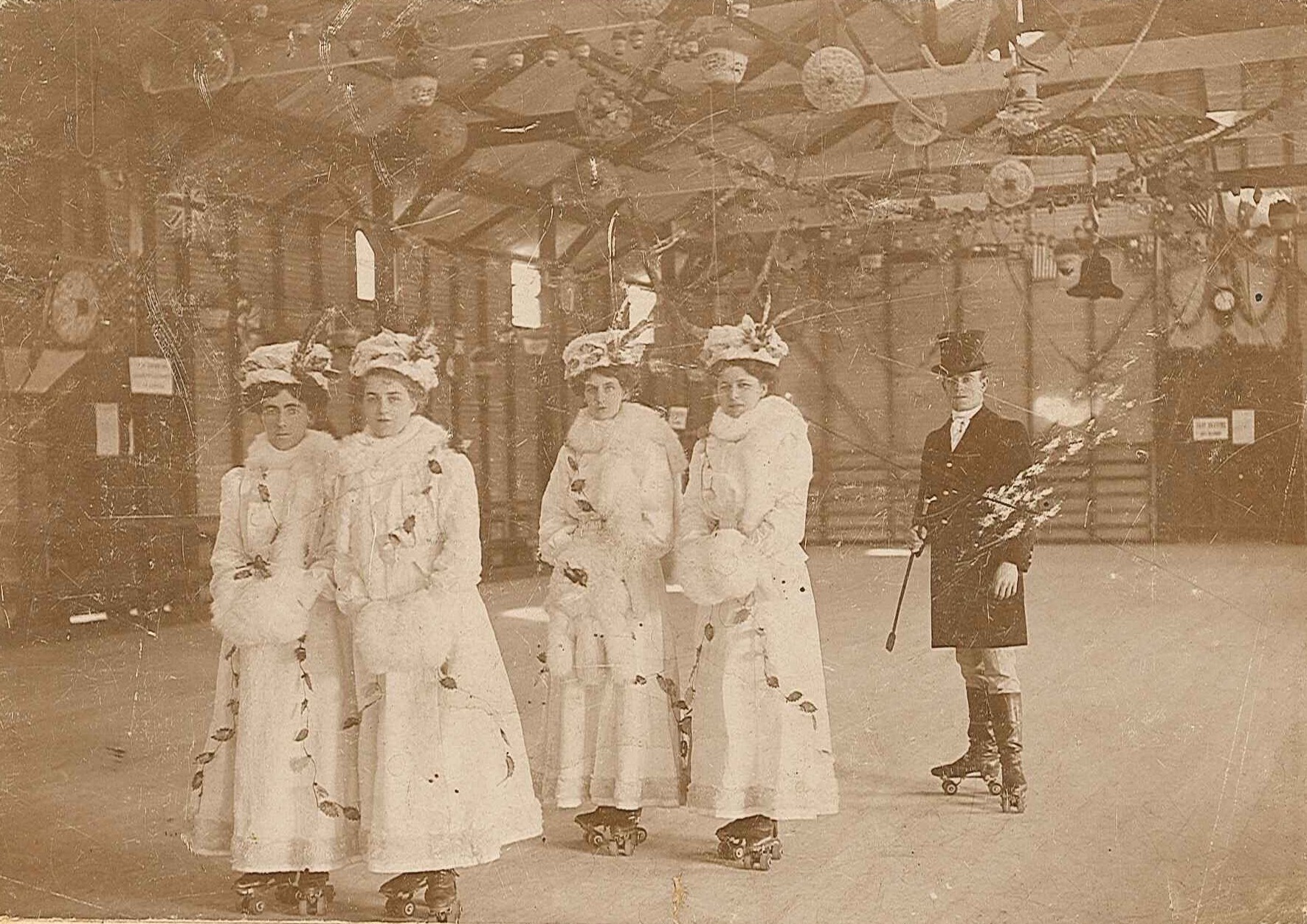
A tinted Seasons Greetings from Archives Outside! Digital ID 16410_a111_1[1A]_000073A_p1
A virtual holiday tour
(goes nicely with those virtual boxes of chocolates)
Although there should never be anything virtual about chocolates…
Congratulations to all of our photo sleuths this year who have solved many a mystery! Here are a couple of cases in the “unsolved” category from this years Moments in Time series.
The U.S. National Archives and Records Administration (NARA) has approximately 130 million items online and an estimated 110 billion pages of paper in their collection in total. In this video they discuss the way they are creatively exploring the use of public participation to help them meet the challenges of managing and making accessible such a large collection online.
The Citizen Archivist Dashboard is NARA’s new crowdsourcing tool for tagging, transcription, digitization of records, and more. Meredith Stewart demonstrates the various collaboration tools in the dashboard and discusses how the dashboard fits into the National Archives’ online strategy as part of Social Media Week DC.
We’ve had several requests to convert our five-part digitisation series into a downloadable format. Thanks to everyone who commented, tweeted (loved the Spanish versions of the post titles) and shared the posts.
There is a new page where you can download PDF versions individually or grab the zip file of all five parts. The new page links from the main Resources page.
Much of this advice is from an article State Records staff wrote for History Magazine. We have also included examples in this post so you can see our metadata and access in action.
Quality control checks
To help catch and rectify flaws early in the scanning process include image quality assurance checks in your workflow. Make sure to check both image files and metadata.
Create a check-list
A simple way to ensure each quality test measures the same parameters is to use a check-list. At a minimum checks should include:
‘completeness’ of image detail
colours in the digital file are equal to the original archive
a master image exists
digital files are in the correct file formats
required metadata exists, which segues nicely into the next section…
Metadata
Metadata is essential to the ongoing use and management of digital images.
It is the structured data about data: the who, what, where and when. Metadata plays a vital part in any digitisation program.
There are two types of metadata:
the technical aspects, and
the descriptive information.
Metadata brings context to the digital files and helps makes them ‘discoverable’ when searching online.
You mightn’t recognise it as metadata but there’s a strong possibility you apply it to your personal archives. Have you ever scanned the old family photos? Questions arise: who’s that in the photo, when was this taken, where was it taken? You tag, title and keyword your digital image so you can easily find it again et voilà, you have your first set of metadata.
Pre-defined elements
A metadata record has a number of pre-defined elements representing values of a resource, and each element can have one or more values (an example is below).
Unique identifier (or digital id)
Each digital record must have a unique identifier to distinguish it from other records. The unique identifier connects the digital image to the original archive and should be meaningful.
In general, file names should:
be unique
be consistently structured
include the use of leading zeros to help sort files in numerical order
- this may sound trivial but from experience it is necessary. If you can sort your list of digital files numerically you can save loads of time when editing metadata, writing data reports, or simply trying to find the latest image file in a series that has been approved and uploaded.
Example of a digital id in our system
12685_a007_00000456.jpg = series_job number_numerical order
Derivative files
Distinguishing the metadata of derivative files from the master files is just as important. This is how we append our derivative versions:
Thumbnail image (t)
Reference quality image (r)
Uncompressed or archival quality image (u)
Example of a derivative digital id
12685_a007_00000456t.jpg
(thumbnail images display in Photo Investigator search results)
Automatic capture of technical metadata
The technical metadata – or properties – of a digital file can be automatically captured from digitisation equipment. Technical metadata includes:
extent (file size in bytes)
scan resolution
file bit depth
format
colour
compression.
Metadata in action
In the State Records image database, Photo Investigator, we use eight values which includes caption (a title), digital id (a unique identifier) date, format and size of the original image, and record series.
Image and image metadata
We’ve been experimenting with the ‘Notes’ field to add other metadata discovered by members of the public. For example, via our Moments in Time blog series and Flickr photostream we have been able to annotate previously undated and unidentified images with new information/metadata that has been researched by web visitors.
Quality control checks and metadata are intertwined. At State Records two staff members are involved in these tasks:
our photographer who performs the actual digitisation ensures the technical metadata and high image quality have been captured
the digitisation officer who, for example, loads digital images into Photo Investigator checks the descriptive metadata is correct.
Management of Images and Metadata
Information about collection management systems for digital records appears in the article ‘Archival Data’ by our very own Dr Kate Cumming which appeared in June issue of History.
Access
If you are planning to display your images online there are several ways you can do this. We are using State Records examples below:
Twitter, Flickr, Facebook, YouTube, Historypin – there are loads of social media sites you can be a part of. Connect directly with users of your archives and promote your collection/organisation along the way.
Historypin - showing the ‘now’ and ‘then’ of a location
Brisbane Street, Tamworth on Historypin
Trove – images for Photo Investigator appear in Trove search results
Blog
Such as this one. We use and re-use loads of digitised content, including the popular Moments in Time series.
To conclude…
One of the most valuable ways of learning about digitisation is to see what others have done. In this series we’ve covered project planning; techs and specs; tips for scanning (including the Golden Rule); quality control checks and metadata; and, displaying your digital archives online.
There are a number of recognised guidelines which you can consult for each step in your digitisation program: